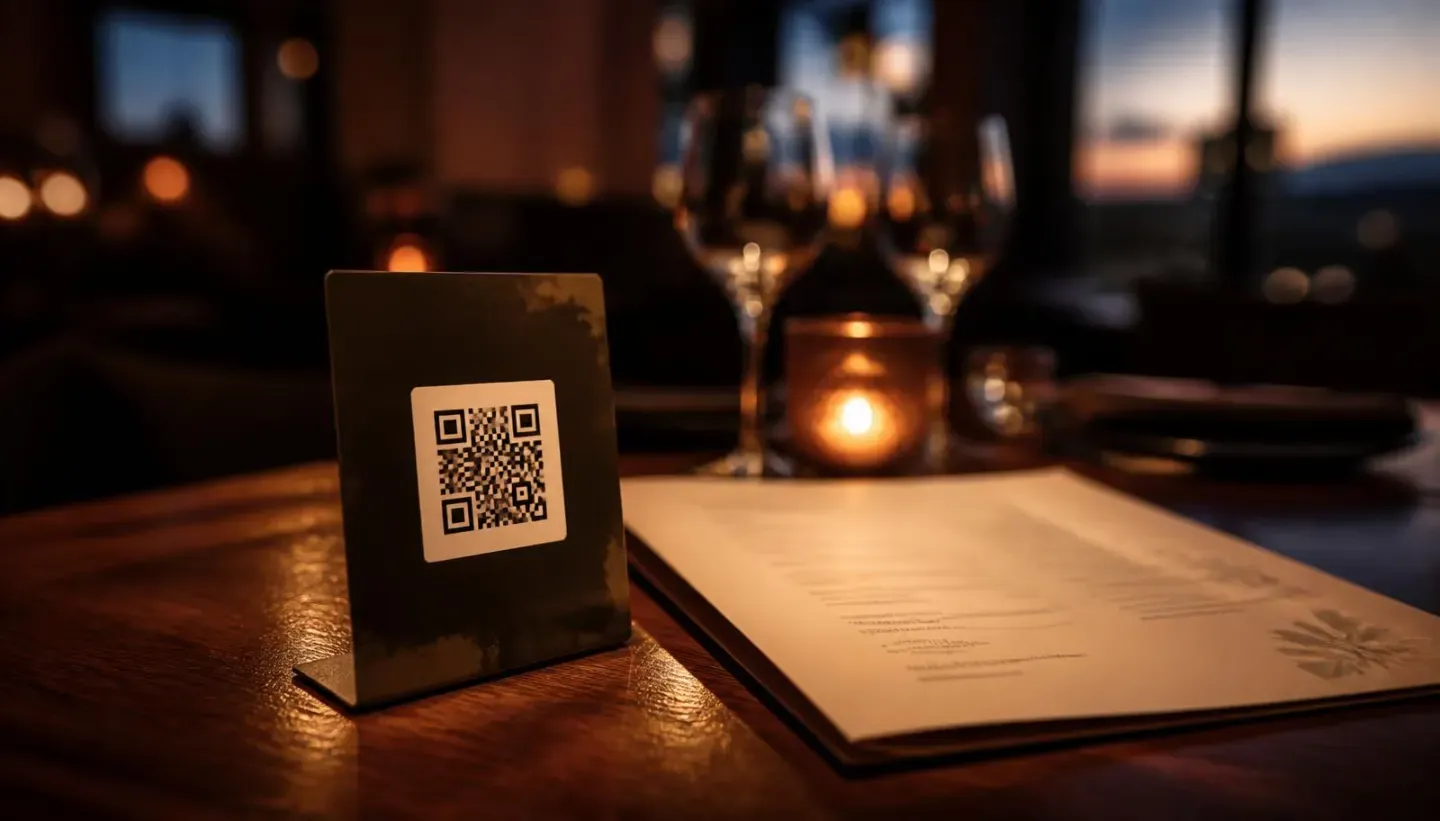
A few years ago, a QR code on the table was a necessity. Today almost everyone has one, which is exactly why the question has changed. The question is no longer whether to go digital but which kind: two quite different products are sold under the same name. One replaces paper. The other replaces work that paper never did in the first place.
The difference is not a marketing one. It shows up in what the guest does during those two minutes of looking at the screen.
What does a plain QR menu actually do?
It takes your menu and displays it on a phone. That is all, and that is perfectly legitimate. No printing, a price change takes a minute instead of a week, no laminated covers peeling by the end of the season, and every guest has their own copy. For a venue with fifteen items and an offer that rarely changes, that is often entirely enough and there is no reason to pay more.
The limitation is that it is a one-way screen. The guest gets the same content they would from paper and decides alone, exactly as before. You learn nothing in the process: not what they looked at, not where they hesitated, not what they opened and then did not order.
What does a smart menu do differently?
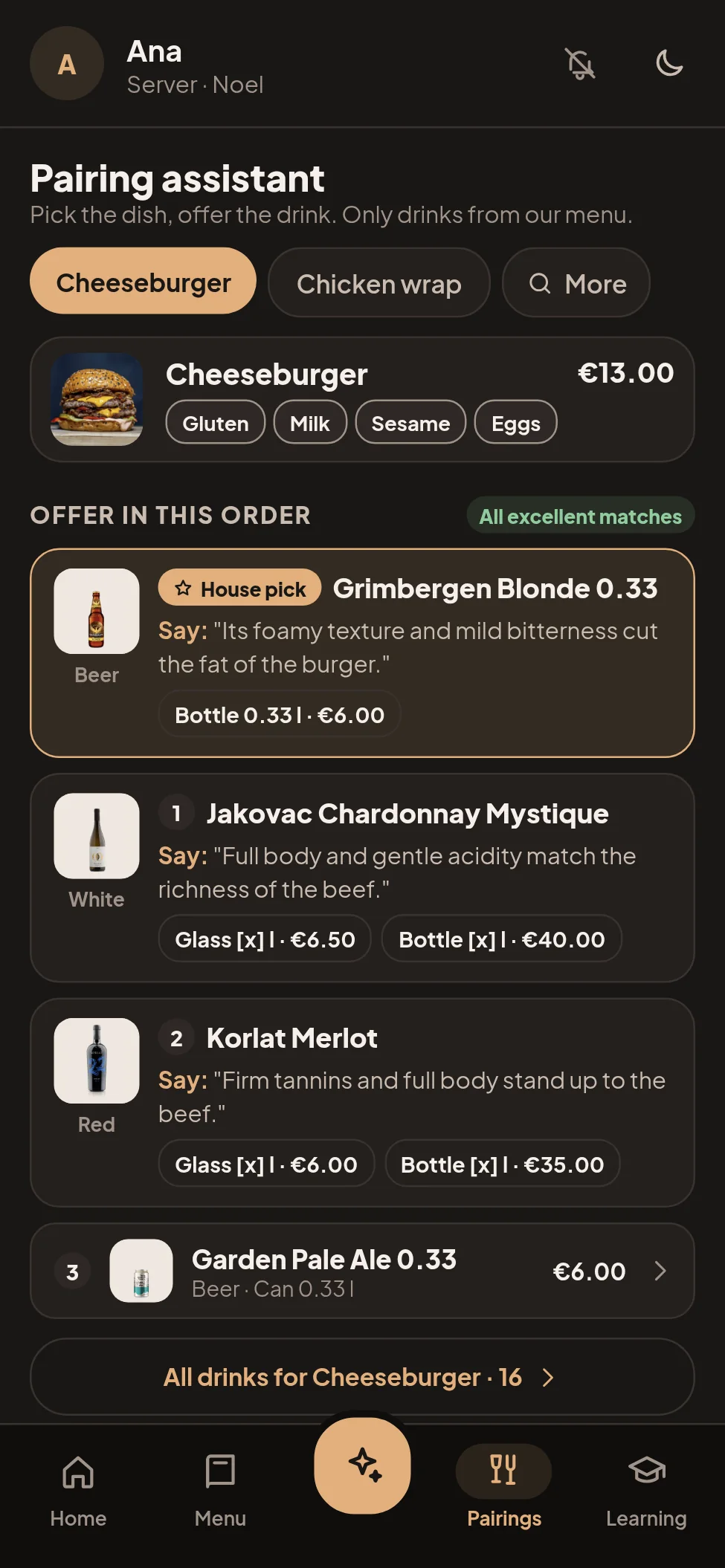
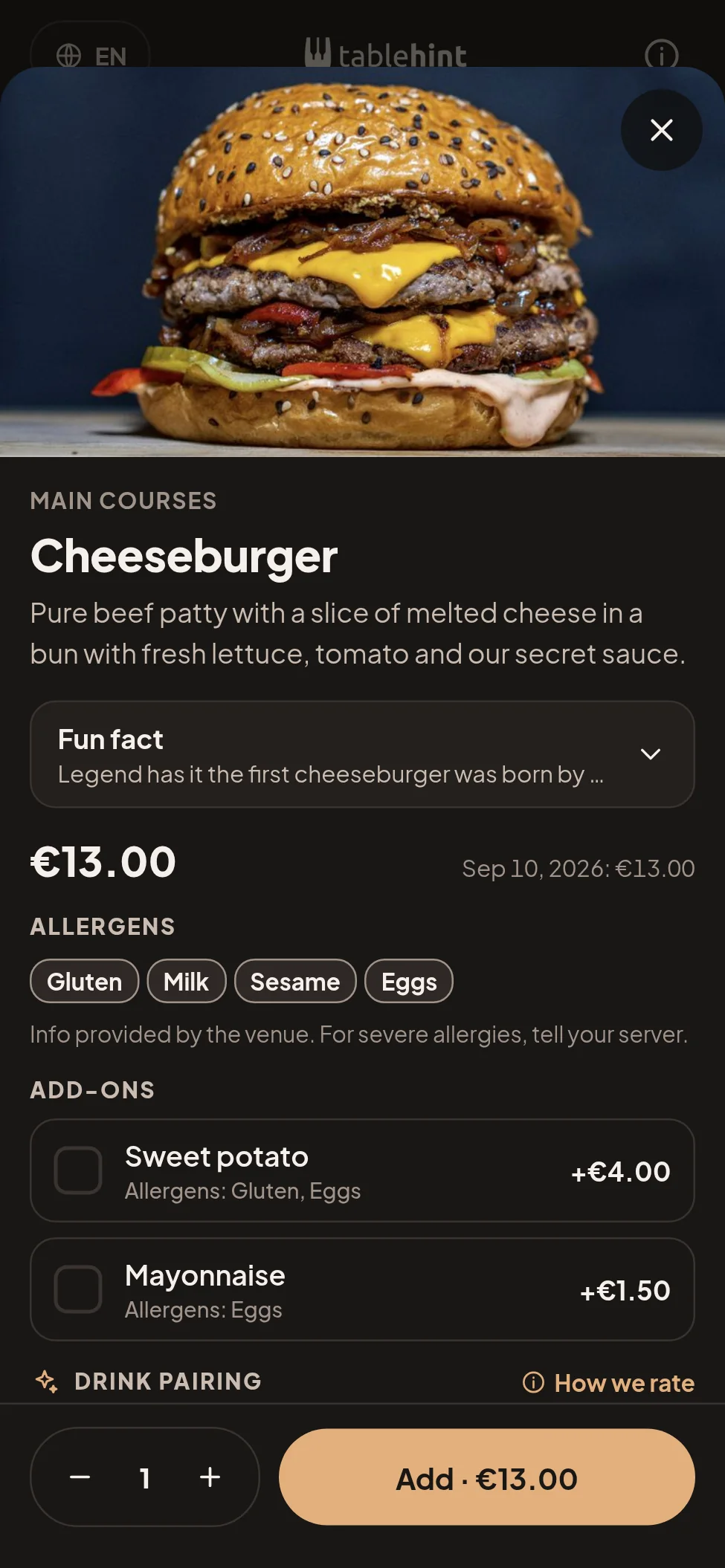
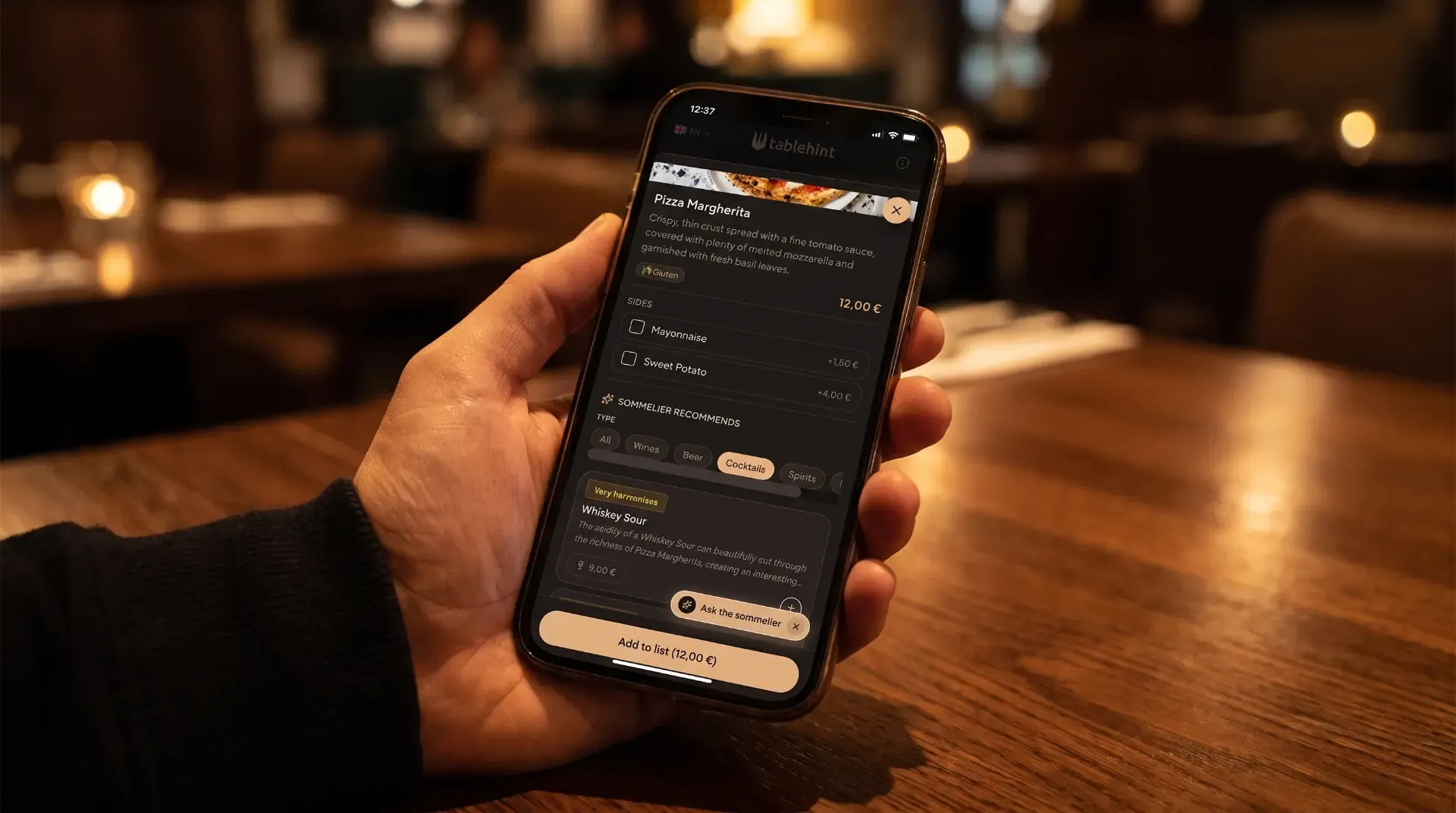
The format stays the same; a layer gets added: recommendation, context and measurement. When a guest opens the seafood risotto, a drink that fits appears alongside it, with the reason written in plain language rather than sommelier language. When a guest has an allergy or does not eat meat, the menu filters instead of making them read every line. When they leave, you have data on what was viewed but not ordered. A detailed breakdown of what a smart menu does in practice is on the features page.
It is the difference between a shop window and a salesperson standing in it. Both show the same goods; only one answers a question.
Where does that difference show up on the check?
In two places. First, on the drink that goes with the meal. A guest who does not know what to order usually takes water or the cheapest red, not because they would not enjoy better, but because they have nothing to base the decision on. A recommendation tied to their dish gives them a reason.
Second, on the items nobody orders because nobody notices them. Every menu has a dish that is good, carries a healthy margin, and sits at the bottom of the third category. On paper, only whoever happens to read that far will see it. In a smart menu you can surface it where it is relevant.
The reverse is also true: offer a recommendation the guest cannot justify and you have lost their trust for the whole evening. That is why it matters who stands behind the pairings. A list assembled by an algorithm without a sommelier checking it will eventually suggest something that does not hold up, and the guest notices faster than you do.
And a caveat straight away, because it is the honest thing to say: a smart menu does not fix a weak offer, does not rescue bad food, and does not replace a server. If the problem is in the kitchen or in your pricing, no screen will solve it.
Allergens: where paper and plain QR stop
Allergen information is not a marketing feature; it is an obligation to the guest. On paper it is handled with asterisks and a footnote in small type, and in practice by asking the server, who then answers from memory about the ingredients of a dish they did not cook.
A filter does the same job without that risk. The guest marks what they cannot have and sees only what they can eat, in their own language. That is less room for error and less pressure on staff during a rush. Check your specific obligations with your own advisor, since rules differ by market, but the direction is the same everywhere: the information has to be available and accurate.
What about your staff?
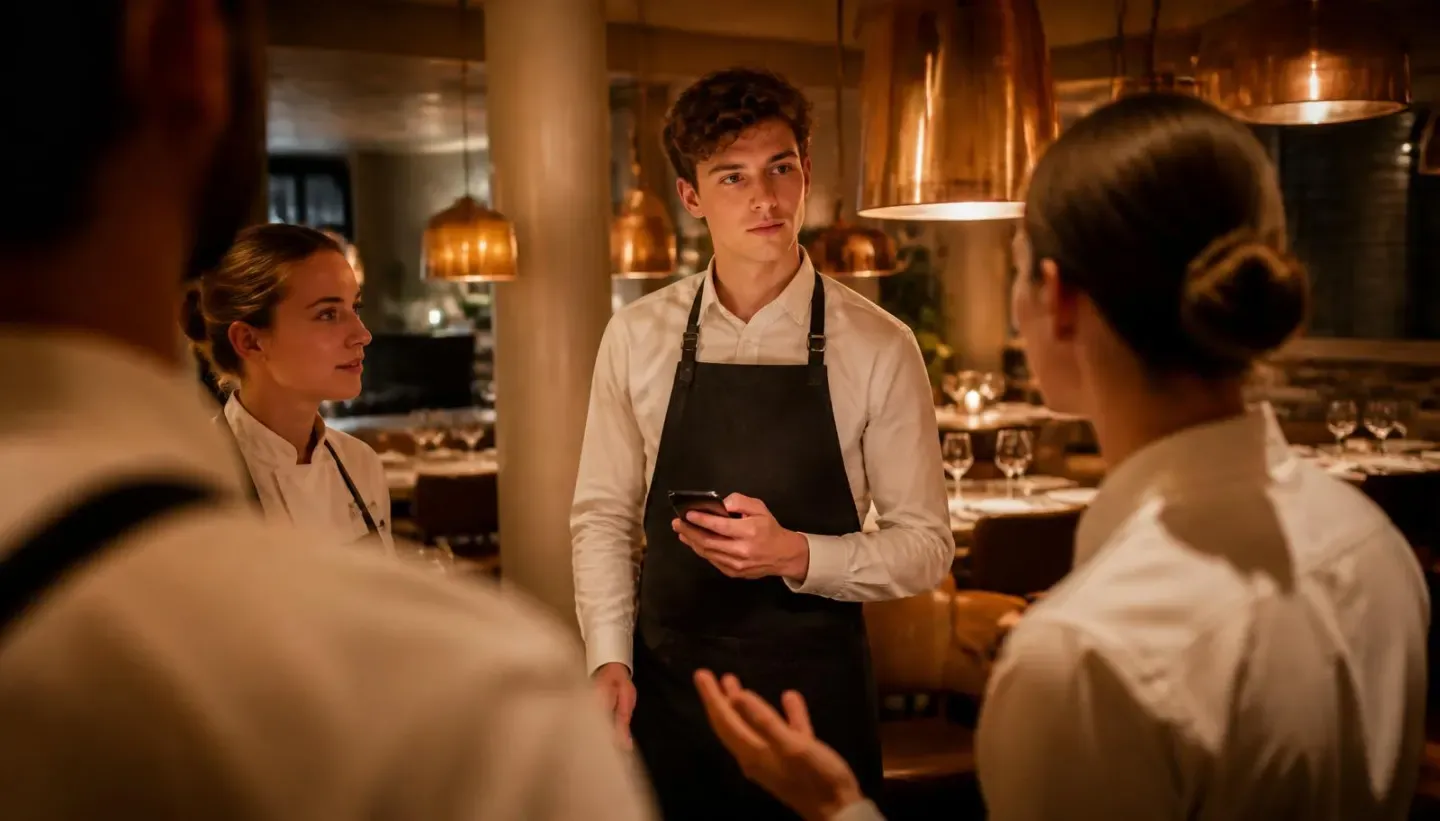
This is the part most often overlooked, and for most restaurants it is probably worth more than the upsell. A plain QR menu does nothing for the server: they still have to know the menu by heart, still have to know what goes with what, still explain ingredients from memory.
If your staff rotates by season, that knowledge walks out every October and gets rebuilt from scratch every May. A smart menu with a staff side as well as a guest side keeps that standard outside any one person’s head: a new server on day one has the same pairings and the same descriptions as the one in their third season.
There is also a quiet benefit nobody measures: fewer questions aimed at the kitchen during a rush. When the guest can see ingredients and allergens themselves, the server does not have to interrupt prep to check whether there are walnuts in the sauce. Those are minutes per shift that never show up on a check, but do show up in how many tables were served on time.
What does each cost, and when does it pay off?
A QR code generator is often free or nearly free; you pay for the design and perhaps hosting. A smart menu is a monthly subscription, because there is content behind it that somebody maintains.
The math is simpler than it looks. Divide the monthly price by your average margin on a single glass of wine and you get how many extra glasses per month the tool needs to pay for itself. If that number looks out of reach given your number of tables, do not buy it, and look for a vendor who runs that calculation with you instead of talking about innovation. Our prices and what each plan includes are public for exactly that reason.
Five questions before you sign
- Who enters and edits the content, you or them? If every price change goes through their support desk, that is a cost that is not on the price list.
- What happens to your data and content if you end the contract? Ask for an export.
- How many languages, and how are the descriptions translated? Machine-translated dish descriptions can cost you more than printing did.
- Does it work without an app the guest has to download? If it does not, you have lost half your tables before the menu even opens.
- What does the staff get, not just the guest? If the answer is nothing, you are paying for digital paper.
The comparison in brief
| Plain QR menu | Smart menu | |
|---|---|---|
| Displays the menu | Yes | Yes |
| Price changes in a minute | Yes | Yes |
| Recommendation with the dish | No | Yes |
| Allergen and diet filter | Rarely | Yes |
| Multiple languages with descriptions | Depends on the build | Yes |
| Data on what guests view | No | Yes |
| Support for staff | No | Yes |
| Cost | One-time, low | Monthly subscription |
| Best suited to | Short menu, stable offer | Wider menu, wine list, seasonal staff |
Frequently asked questions
No. For a small venue with a short menu and no wine list it is often the sensible one. The problem starts when it is expected to do something it does not do.
They should not have to. Anything requiring an install loses most tables. Insist that the menu opens in the browser.
It works anywhere there is a choice of drink with the meal. In a casual venue the recommendation is shorter, but the logic is identical.
Then the benefit is smaller, and it is fair to say so. The venues that gain most have a deeper list or an offer that changes with the season.
Entering the menu is a matter of days. What takes time is agreeing on the descriptions and the pairings, and that is also the part that produces the result.
Track the share of tables that order a drink with their meal, and the average check before and after. If nothing moves after two months, the tool is not the problem, the offer is.
All questions